

TRecovery / Blog · #TEKLink212
VM failure after a power outage: preserve VMDKs before repair
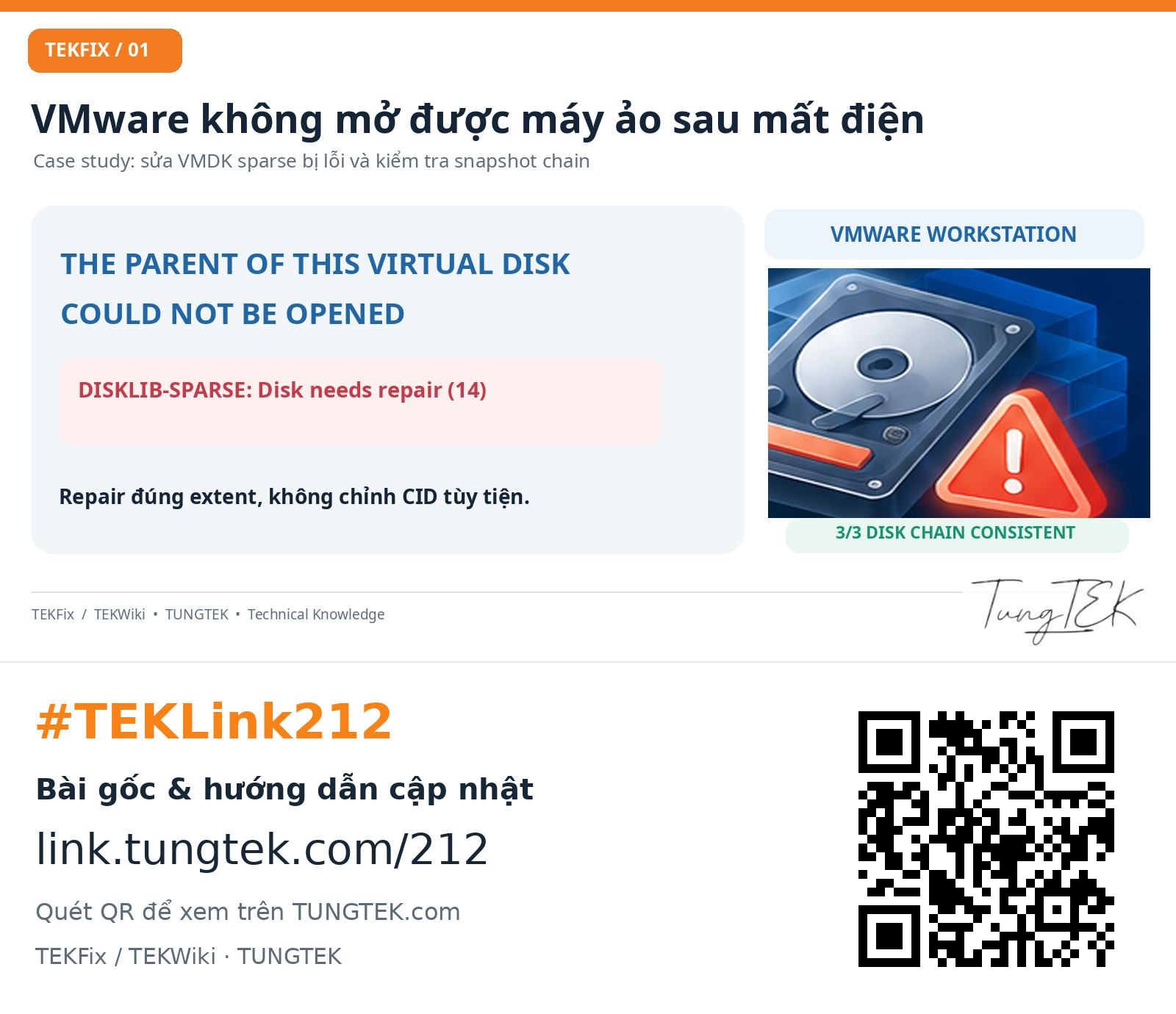
TEKLink212: VM data risks, preserving complete snapshot chains, and separating VMDK consistency from usable Windows/SQL data.
 Enlarge ↗
Read the full technical article at TUNGTEK ↗
Contents
1. Avoid making the data loss worse#
A VM that fails after a power outage may have a lock problem, a broken snapshot link, a missing extent or damaged metadata. A parent-open message is not enough to choose a repair command. Preserve the remaining data and the evidence needed to identify the cause.
- Stop repeated power-on attempts and preserve the full VM directory and dependencies.
- Retain descriptors, extents and ancestor snapshots, not just the VMDK attached in the configuration.
- For read errors or unstable RAID, assess imaging/cloning before logical repair.
2. What TEKLink212 actually establishes#
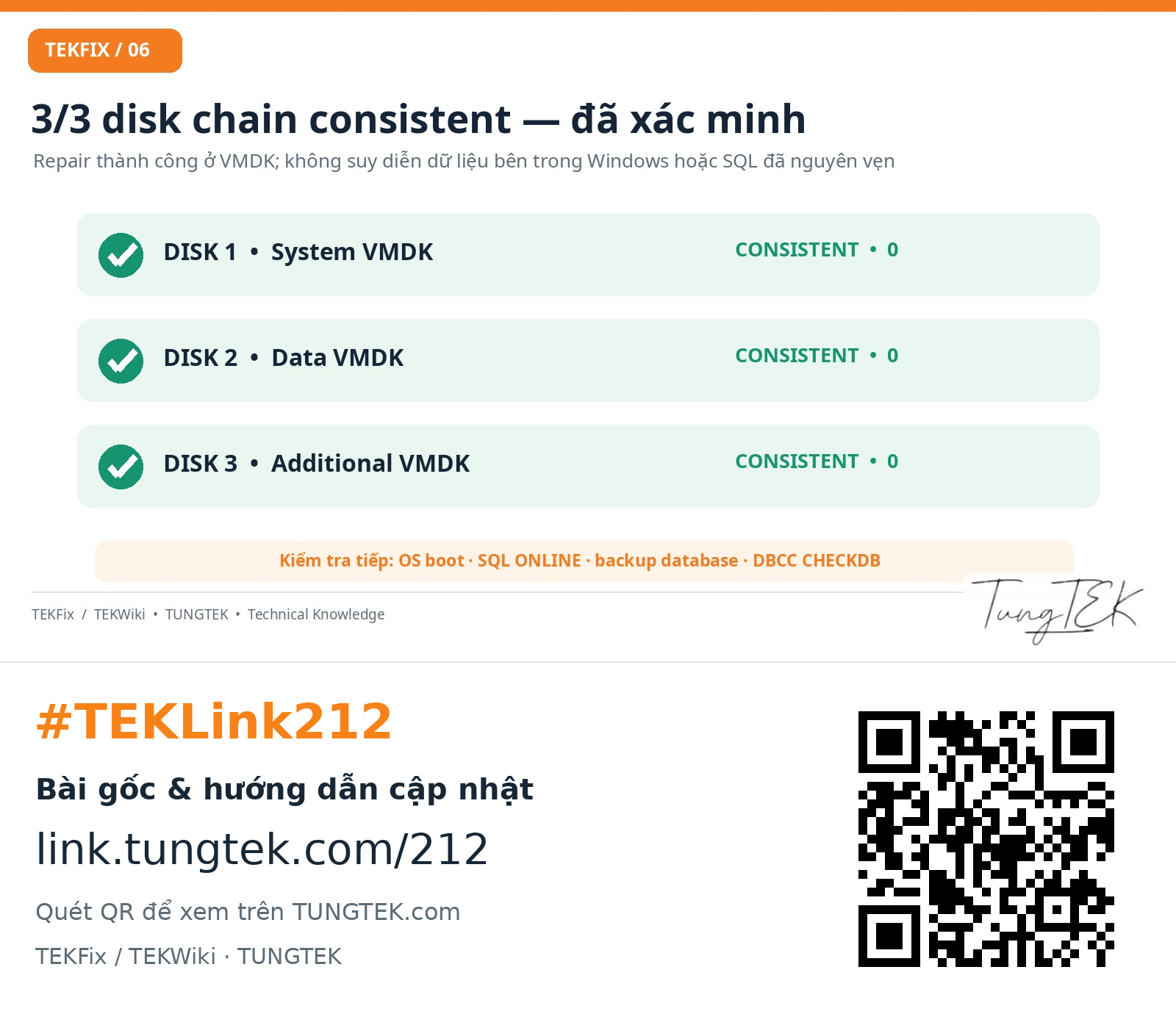
In the anonymised TUNGTEK case record, an extent in snapshot 000006 reported Disk needs repair (14). The chain was traced through parentFileNameHint, CID and parentCID. After repair of the correct descriptor, all three checked VMDK chains were consistent with exit code 0.
 Enlarge ↗
These are virtual-disk-layer results. Windows boot, SQL database ONLINE state and normal application operation remain unconfirmed. A successful -e check is not business-data acceptance.
3. Preserve a complete recovery set#
- An independent copy of the VM and required dependencies, taken with the VM fully powered off.
- Protected logs, the attached-disk list, configuration and a record of prior operations.
- A priority list of business files, databases and folders to recover first.
 Enlarge ↗
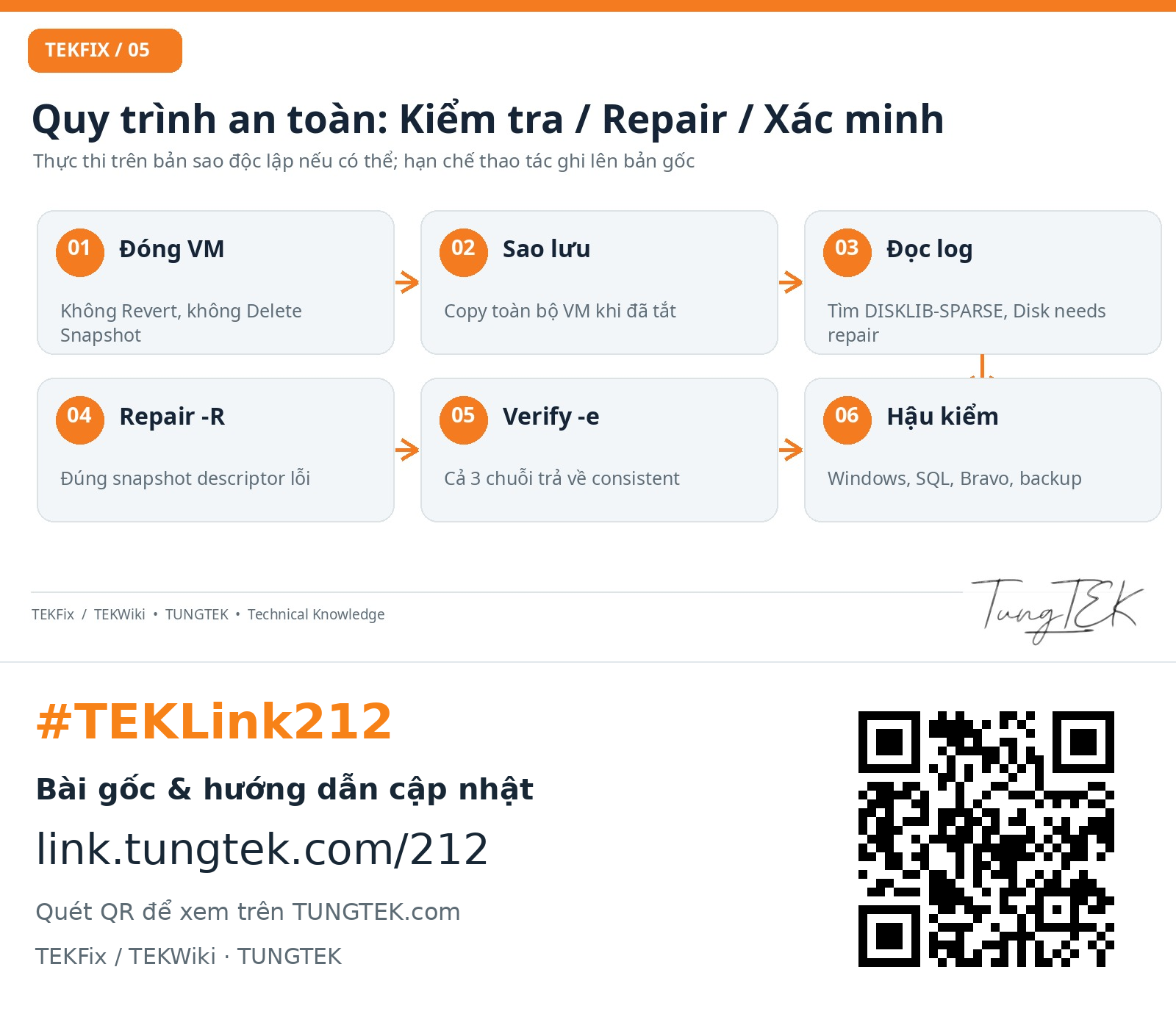
Snapshots depend on parent data and do not replace independent backup. Repair -R writes changes and is not risk-free.
4. Validate the data that matters#
After virtual disks open, validate the guest, volumes, SQL states, backups and representative business records. TRecovery assesses the actual state before agreeing an extraction/recovery scope; a log line alone cannot guarantee an outcome.
🇻🇳 Data incident? Call TUNGTEK.
Advice based on the actual state; preserve the original and agree scope before processing.
0963 509 115Source and limits
TUNGTEK — TEKFix / TEKWiki · #TEKLink212
Based on the anonymised TUNGTEK case record; no independent system validation. This case is not attributed to ransomware.