


TRECOVERY BY TUNGTEK / SERVICES
CCTV Recovery — Surveillance Video Recovery
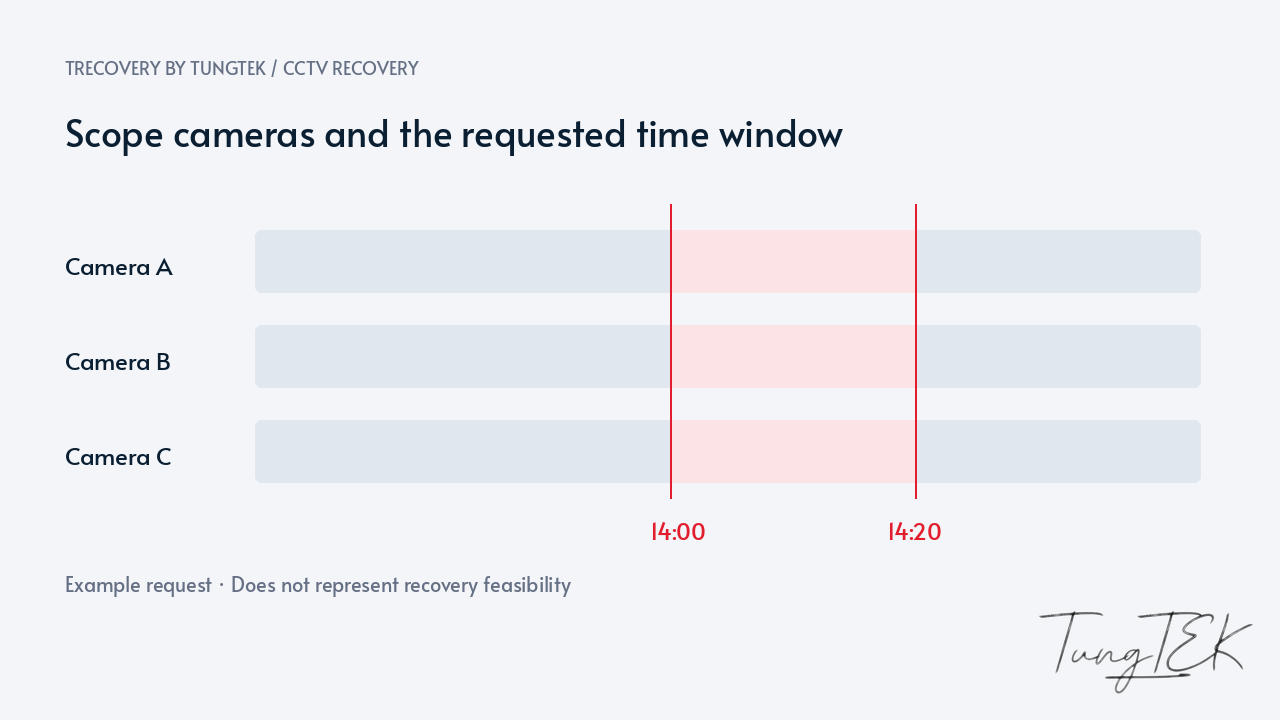
A missing recording should be assessed promptly, before new footage replaces older data. TRecovery accepts DVRs, NVRs, surveillance drives and centralized video storage, focusing on the cameras and time window you need.

UNDERSTAND THE CONDITION
Situations requiring assessment
Missing timeline recordings
The required period is missing, only partly available, or absent for the expected camera and date.
Drive or recorder errors
The DVR or NVR does not detect a drive, cannot play recordings, or requests formatting after an incident.
Accidental formatting or deletion
A drive was reinitialized, recordings were deleted, or storage settings changed before footage was collected.
Central video storage is unavailable
RAID, NAS, SAN or VMS server faults prevent playback across multiple cameras.
From individual recorders to petabyte-scale systems
TRecovery has accepted CCTV recovery assignments involving storage systems ranging from hundreds of terabytes to petabyte scale. Extraction scope is defined by camera, time window and relevant storage areas, prioritizing the data customers actually need.
We need the recorder model, VMS, drive count, RAID and recording locations. Assessment depends on versions, storage structures, codecs and source condition; one approach cannot cover every system.
Preserve the source and the event time
Retention rules or full storage can remove older footage. Capacity and settings affect actual retention; a configured number of days does not guarantee that footage remains. Agree promptly on reduced writing while considering continued surveillance.
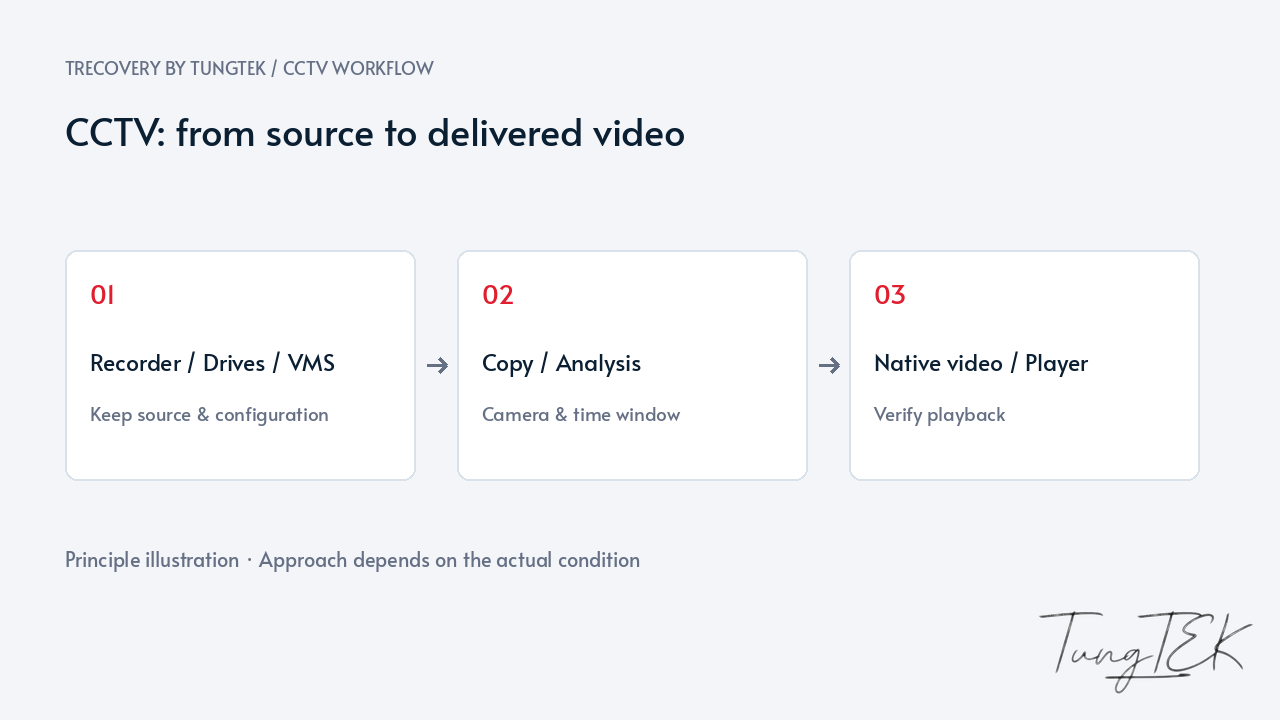
Keep the recorder, drives, bay order and settings; avoid experimental formatting, initialization or RAID creation. Record channels, event times, time zones and clock offset against a reference time without changing the source clock first.
Distinguish missing indexes from overwritten data
A missing timeline does not prove the data is gone. Indexes, permissions, displayed time or storage faults may be involved. When conditions permit, assess remaining data on an appropriate copy against the event window.
Recovery of actually overwritten data is not promised. Remaining footage may lack sections, audio or metadata. Check camera SD cards, backups and other recording locations when present rather than assuming those sources exist.
Keep native video and verify playback
Prioritize native/original formats when feasible with the manufacturer’s appropriate player or codec. Keep viewing conversions separate because quality or information may change. Screenshots do not replace source video.
Verify each camera, clip boundaries, audio when present and timestamps. Delivery identifies extracted material and limitations. For evidential use, agree on access authority, preservation and handling records at intake.
Frequently asked questions
Can overwritten footage definitely be recovered?
No. Missing timelines and replaced data are different. Remaining and alternative sources can be assessed without promising recovery of fully overwritten footage.
Must everything be extracted from a hundreds-of-TB system?
Not necessarily. Identifying cameras and the event window focuses the search. System capacity, data requiring assessment and delivered footage are different quantities.
Is an MP4 enough for every purpose?
Not always. Keep native recordings/players when native information or metadata matters; viewing MP4s need separate checks. Agree on evidential and delivery requirements beforehand.
Technical references
SWGDE — Best Practices for Data Acquisition from Digital Video Recorders, version 1.4
Updated October 14, 2026