

TRECOVERY BY TUNGTEK / SERVICES
Database Recovery
A database file that copies successfully may still fail to open, and an open database may still lack business records. TRecovery assesses source files, backups and remaining data, then works with application operators to validate the result.

UNDERSTAND THE CONDITION
Situations requiring assessment
Database will not open
SQL Server reports attach errors or a Suspect database, or the application cannot connect.
Damaged database files
MDF, NDF or LDF files have read errors, disappeared after a storage incident or were unexpectedly modified.
Backup restore fails
A backup cannot be restored, components are missing, or the restored point does not meet the need.
Missing business records
The application runs, but documents, tables or recent-period records are missing.
Collect the right files and context
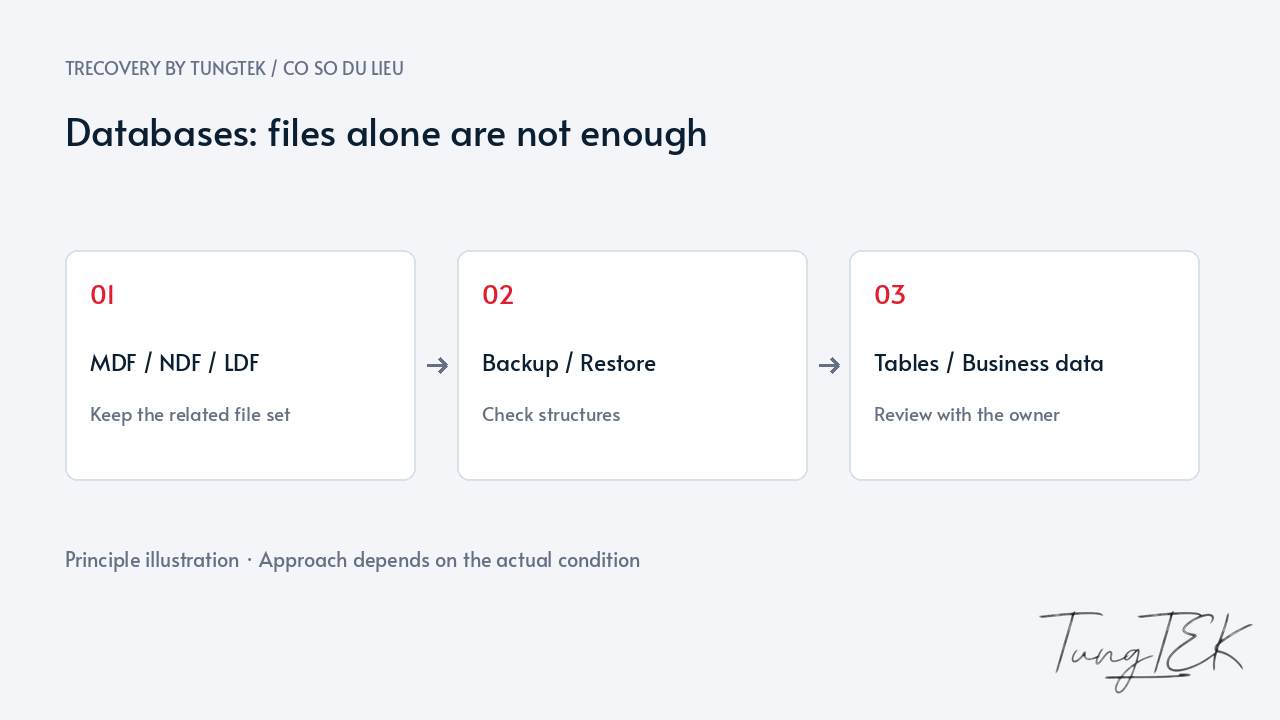
For SQL Server, MDF is primary data, NDF files add data when used, and LDF files contain transaction logs. Multiple files/filegroups may be required; the largest MDF alone may be incomplete.
We need the SQL version, application, last normal operation and current errors. For legitimately encrypted databases, retain associated certificates and keys for access assessment.
Preserve the source before attempting repair
Avoid overwriting older backups, deleting logs or repairing the only copy. For sources on failing RAID/NAS/VM storage, preservation of that layer must accompany database assessment.
Backups, database files, configuration and error logs are reviewed together. We agree on priorities and use an appropriate copy when conditions permit, preserving further options.
Prefer a sound backup and assess readable data
Backups need test restoration and confirmation of database, version, data point and dependencies. Full/differential/log-chain recovery depends on the copies that are actually usable.
Without a suitable backup, we assess structures and readable data. Repair can discard data and must be explained first. Extracting individual tables does not mean restoring a complete database.
Combine technical and business validation
Engine consistency checks are one part. Tables, relationships and application functions need review; an open database does not establish correct documents or reports.
You or your software provider confirm sample records and priority workflows. Delivery identifies the format, extracted material and limitations before operational use.
Frequently asked questions
Can you assess an MDF alone?
Yes, without concluding recovery in advance. NDF, logs, FILESTREAM, encryption and remaining files need checking; do not discard other components.
Does a BAK mean the data is safe?
Not necessarily. Test restoration, the data point and application matter. An older or incomplete backup may not meet business needs.
Is opening the database enough?
No. Consistency and real records need checking. Following repair or partial extraction, confirm gaps before operational use.
Read the detailed SQL Server MDF/LDF guide
Technical references
Microsoft — SQL Server database files and filegroups
Updated October 14, 2026