

TRECOVERY BY TUNGTEK / SERVICES
Server & Virtual Machine Data Recovery
A server that will not start does not necessarily mean all its data is lost. TRecovery assesses the storage, virtual disks and their contents, prioritizing business data before rebuilding services.
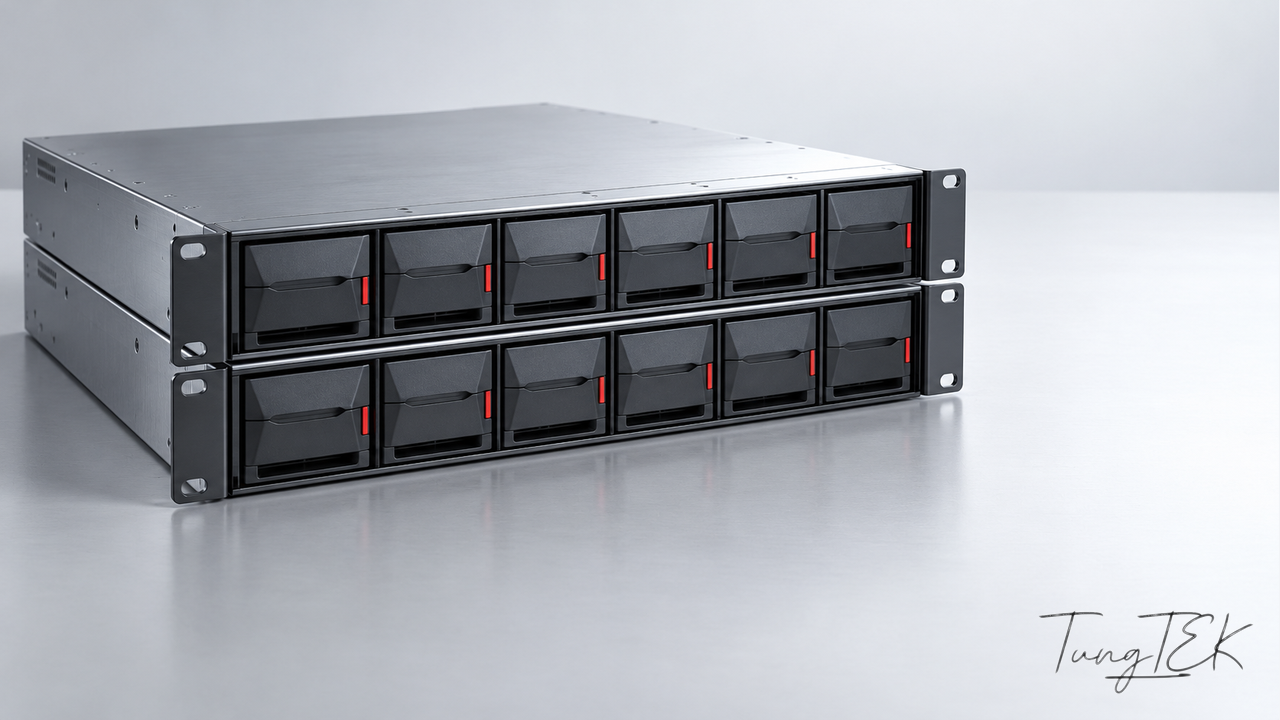
UNDERSTAND THE CONDITION
Situations requiring assessment
Server will not boot
The operating system fails, a volume is missing, or the server cannot access its data storage.
Datastore is unavailable
The host cannot see its datastore, VM folders are missing, or storage reports faults.
Virtual machine will not open
The VM reports a missing disk, snapshot errors or a broken disk chain after an incident.
Application data is missing
The guest runs, but important folders, databases or business records have been deleted or damaged.
Identify the layer that failed
Data passes through physical drives/RAID, a datastore, virtual disks, the guest file system and applications. One failure can stop the layers above it; assessment comes before choosing VM restoration or file extraction.
The platform, versions, disk locations and recent tasks help direct assessment. For physical servers, assessment begins with volumes and the application data to preserve.
Keep base disks and the snapshot chain
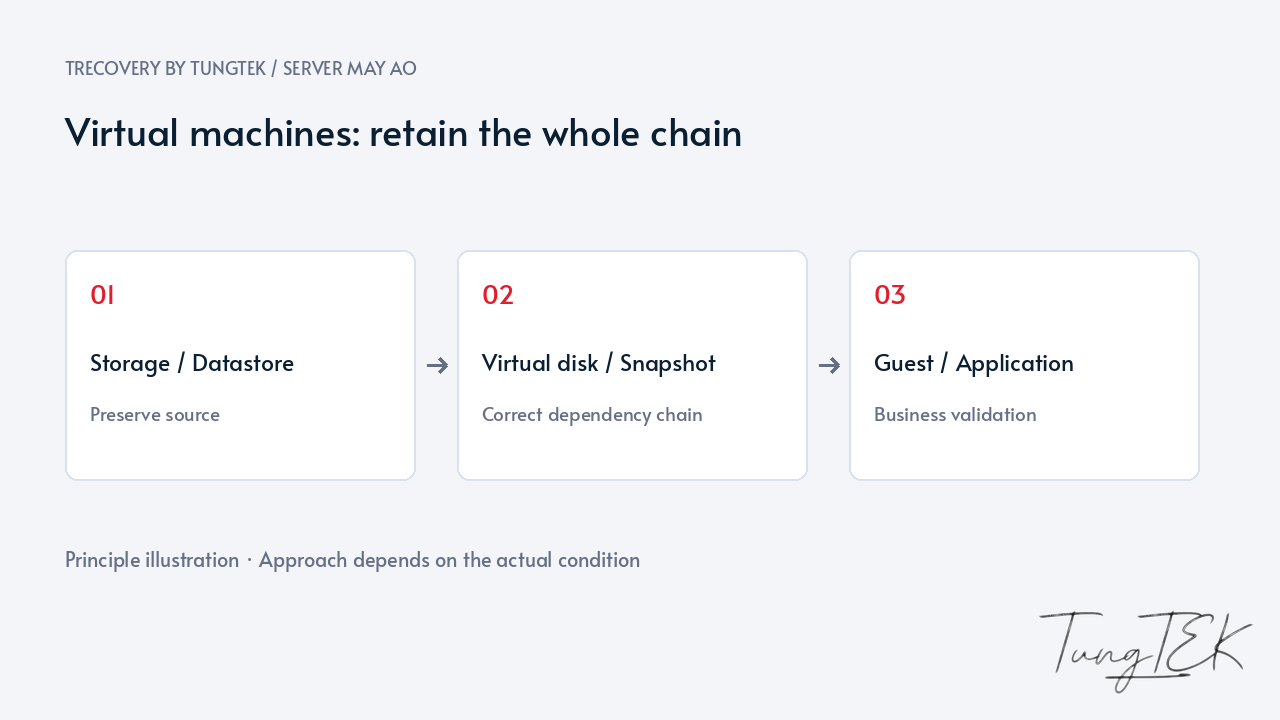
A visible VMDK or VHDX may not contain the latest state. Snapshots/checkpoints can depend on base disks and change files; copying only part can omit required data.
Keep VM configuration, all disks and backup history. Avoid deleting deltas, renaming files or forcing consolidation/merging on a failing source. Agree on datastore preservation and reduced writing before further actions.
Prioritize data before booting
Some cases need a database or folders; others need the entire VM. We agree on scope and the desired data point, comparing backups with remaining structures.
Snapshots do not replace independent backups. When conditions permit, a working copy is used to assess virtual disks and guest data. Service restoration requires a suitable environment and separate checks.
Validate at the application layer
Opening a VM or signing into its guest is only one checkpoint. Priority folders, file dates and records need comparison; databases also need readability and application checks.
You help confirm critical data and remaining gaps. Operational restoration needs a clean environment and controlled networking/access to avoid unintended writes or reinfection.
Frequently asked questions
Is a single VMDK enough?
Not always. A VM can use several disks or snapshots. Provide its folder listing and snapshot details to identify the required set.
Must the VM boot before extracting data?
Not always. File or database extraction from a suitable virtual-disk copy can be assessed, depending on source condition.
Does a snapshot guarantee recovery?
No. It depends on a disk chain; an existing label does not prove integrity. Independent backups and guest data need separate checks.
Technical references
VMware — Overview of virtual machine snapshots and disk chains
Updated October 14, 2026