

TRECOVERY BY TUNGTEK / SERVICES
RAID, NAS & SAN Data Recovery
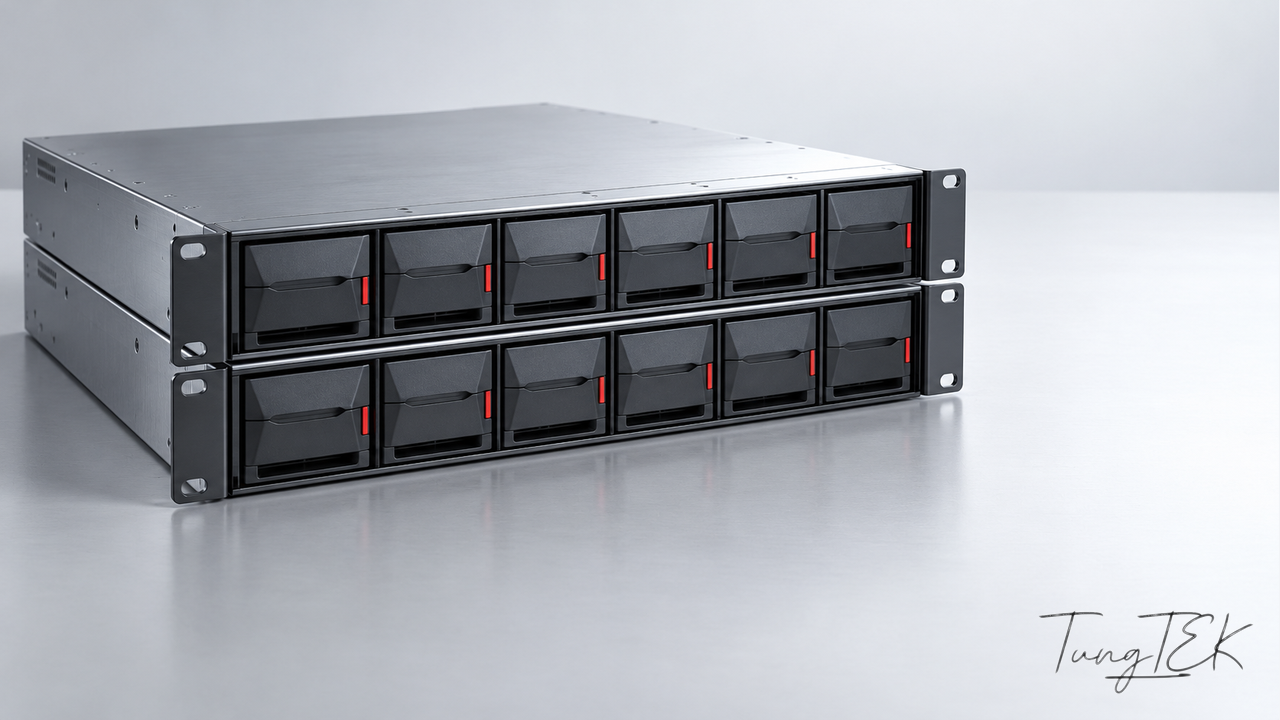
When a multi-drive system becomes inaccessible, the first priority is preserving its remaining data and configuration. TRecovery assesses RAID, NAS and SAN incidents, focusing on important folders before planning a return to operation.
UNDERSTAND THE CONDITION
Situations requiring assessment
Degraded or failed RAID
One or more drives have left the array, errors appear, or the data volume is no longer detected.
Missing NAS folders
The pool is visible, but shares are missing, a volume will not mount, or initialization is requested.
Trouble after rebuilding
The array remains unavailable after drive replacement, a power interruption or an earlier repair attempt.
Missing LUN or data
A server cannot access its SAN storage, or files have been deleted or the storage accidentally formatted.
Assess the drives and the data you need
We review the model, drive count and capacities, RAID type, incident timeline and previous actions. Arrays with the same drive count can have different layouts.
NAS/SAN assessment also covers pools, volumes, LUNs and applications. You help identify priority folders so the work addresses the actual need.
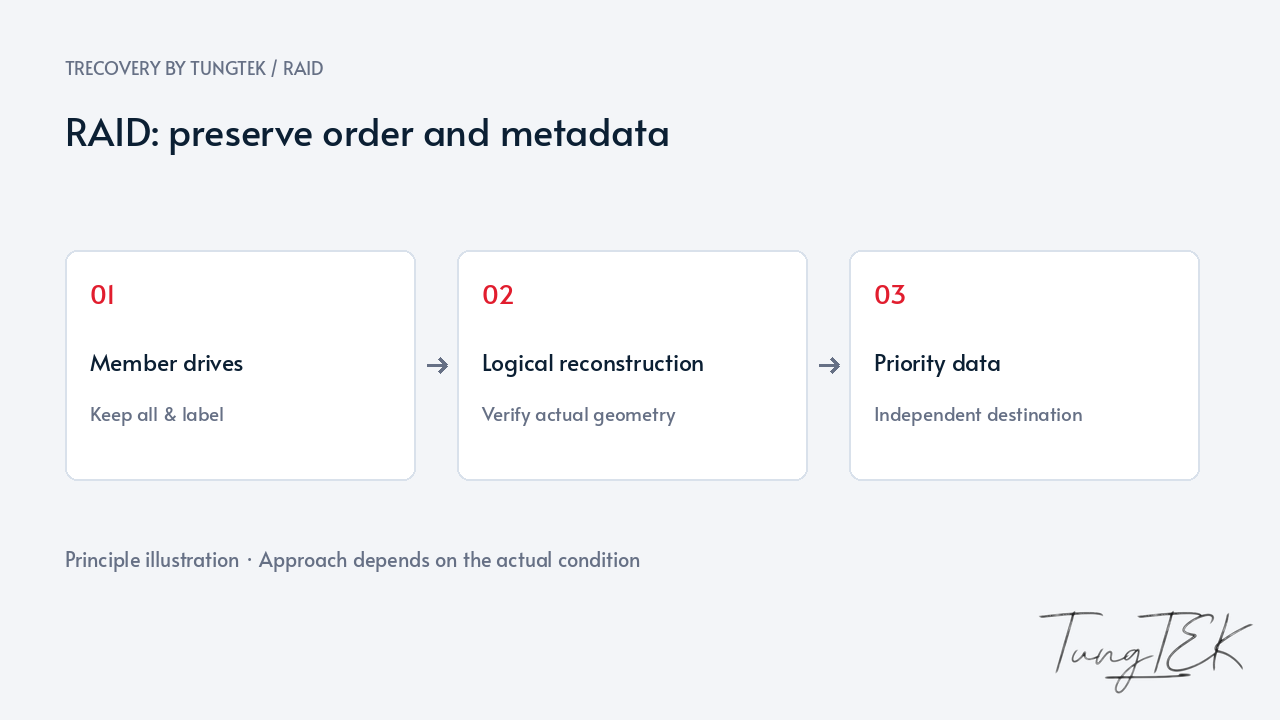
Preserve drive order, metadata and keys
Label drive positions, photograph bays and keep removed drives. Avoid new pools, formatting or forced rebuilding before the cause is understood; on-disk metadata helps identify the original layout.
For encrypted volumes, retain recovery keys and key-management settings. A NAS password may not replace an encryption key; access is discussed with the authorized data manager.
Assess the options before repairing
Depending on source condition, options include a working copy, identification of the RAID layout or extraction of readable data. Physical drive faults need separate assessment to avoid uncontrolled repeated reads.
Rebuilding maintains an array under suitable conditions; it does not recover every missing file. Multiple faults or previous reconfiguration require assessment before source-writing operations.
Verify the files that matter
Results are checked with real files: opening documents, viewing images/video and reviewing important folders. VMs and databases need additional application checks.
We explain extracted data, remaining damage and the delivery structure. Options depend on drive condition, remaining configuration, overwriting and encryption keys.
Frequently asked questions
Should a degraded NAS be rebuilt immediately?
Drive condition, fault count and backups need checking first. If data remains readable, consider preserving important files before repair.
Can an array with a missing drive be assessed?
Yes; options depend on RAID type and remaining drives. Keep damaged or removed drives so important evidence is not discarded.
Does recovery include repairing the NAS?
Data extraction and operational restoration are separate scopes. Intake prioritizes data; rebuilding the system is discussed separately.
Technical references
QNAP — Preserve migrated storage pools and encryption keys
QNAP — Drive order depends on the original RAID firmware
Synology — HDD migration, original bay order and recovery keys
Updated October 14, 2026