

TRECOVERY BY TUNGTEK / SERVICES
HDD Data Recovery
When a drive holding work, documents and memories becomes inaccessible, first preserve its current condition. TUNGTEK assesses extraction options based on each drive's actual condition.
Situations that need assessment.
Drive not detected or detected intermittently
The computer cannot detect the drive, reports the wrong capacity, freezes on connection or loses the connection while reading.
Slow reads, bad sectors or stalled copying
Assess readability and deterioration before deciding on an imaging strategy.
Unusual noises, drops or impacts
Stop powering the drive if it makes unusual mechanical noises. Do not open it, replace the heads yourself or power it on repeatedly.
Lost partitions, RAW volumes or accidental deletion/formatting
Limit new writes; do not initialize the drive or repair its filesystem directly when the data needs to be preserved.
Our approach to the data.
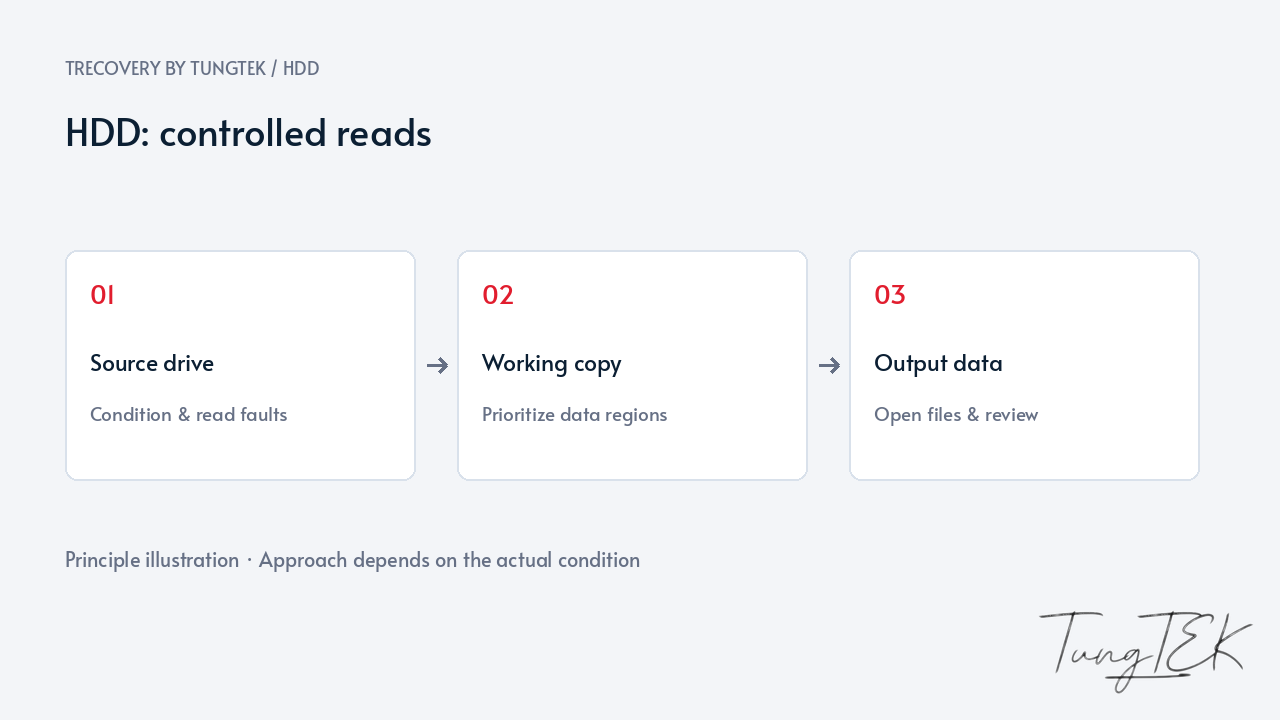
Distinguish connection issues, hardware faults and data structure problems. Where the device permits, image readable regions and prioritize areas holding important data rather than repeatedly scanning the entire source.
Analyze partitions and filesystems on an appropriate copy. Validate results against the priority data list; feasibility depends on surface damage, head condition and the data that remains.
Related Case Studies
HGST Enterprise 10TB · read errorsChecking data before handover
The priority data list determines the order of work: business records, family photographs, accounting files or project directories. TRecovery records unreadable regions and extraction exceptions so the customer understands the scope of the result.
A visible folder or a file with the expected size does not establish that its contents are usable. Checks should match the format: opening documents, viewing photographs, playing video and reviewing important data with its owner. Application files and databases need separate validation.
Recovered data is delivered to appropriate independent storage, never written back to the source drive. Timing and feasibility are discussed after assessing the device and priority scope.
Frequently asked questions
Windows still detects the drive. Should I keep copying?
If reads become unusually slow, errors repeat, connections drop or mechanical noises appear, stop repeated attempts and discuss the symptoms. Detection does not establish that the entire drive surface can be read safely.
Can an accidentally formatted drive be recovered?
Assessment depends on the format type, file system, subsequent writes and device condition. Regions actually overwritten with new data should not be regarded as recoverable using ordinary software.
Should I include the external enclosure?
Keep the drive, enclosure, bridge board and power supply. Some configurations depend on the bridge or enclosure encryption; removing it prematurely can lose information needed for access.
Updated October 14, 2026