


TRECOVERY BY TUNGTEK / SERVICES
NAS Data Recovery
An inaccessible NAS can involve drive, RAID, volume or share configuration issues. TUNGTEK helps identify the affected layer and assess source preservation options for multi-drive systems.
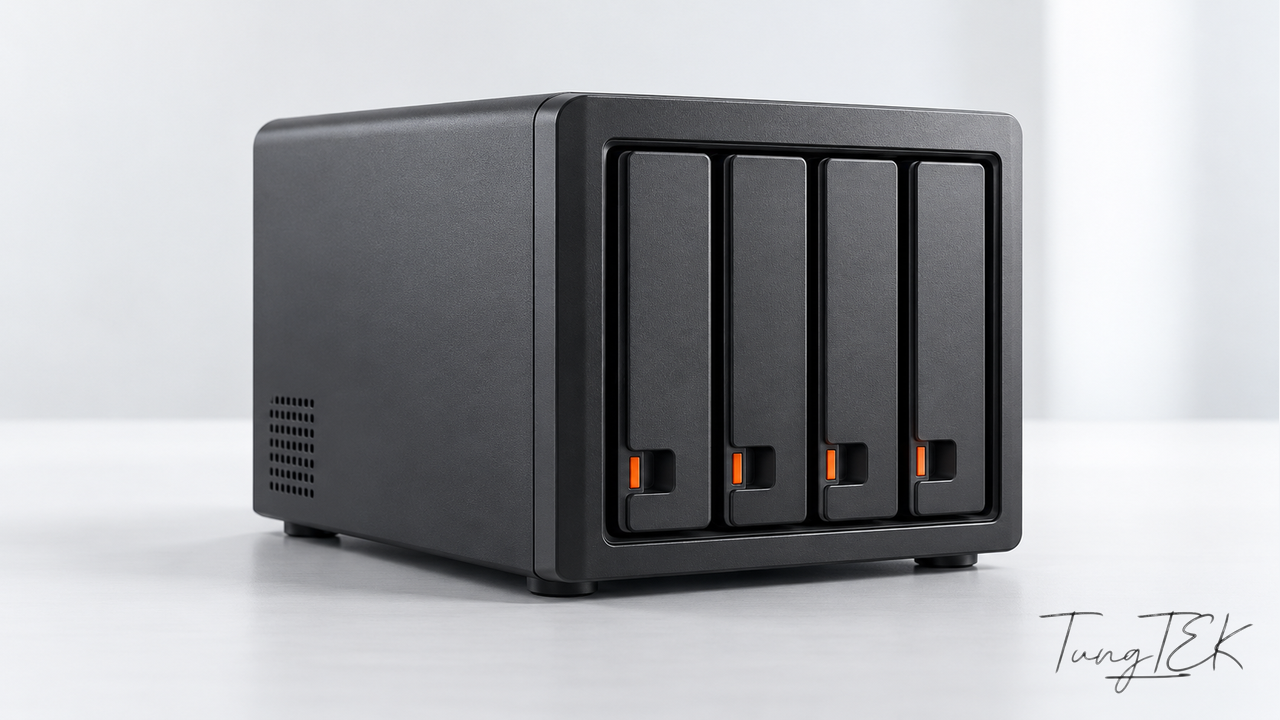
Situations that need assessment.
Crashed volumes or degraded RAID
One or more drives lose connection, the system reports degradation or the volume is no longer accessible as before.
Accidentally deleted folders, volumes or LUNs
Preserve the configuration and limit all writes; identify which storage regions are affected.
Problems after a power outage, drive replacement or rebuild
The change history and drive order help assess RAID structures. Do not begin another rebuild before the condition is understood.
Data encrypted or deleted in an attack
Isolate network connections suspected of compromise, preserve logs and backups, and work together to define the extraction scope.
Our approach to the data.
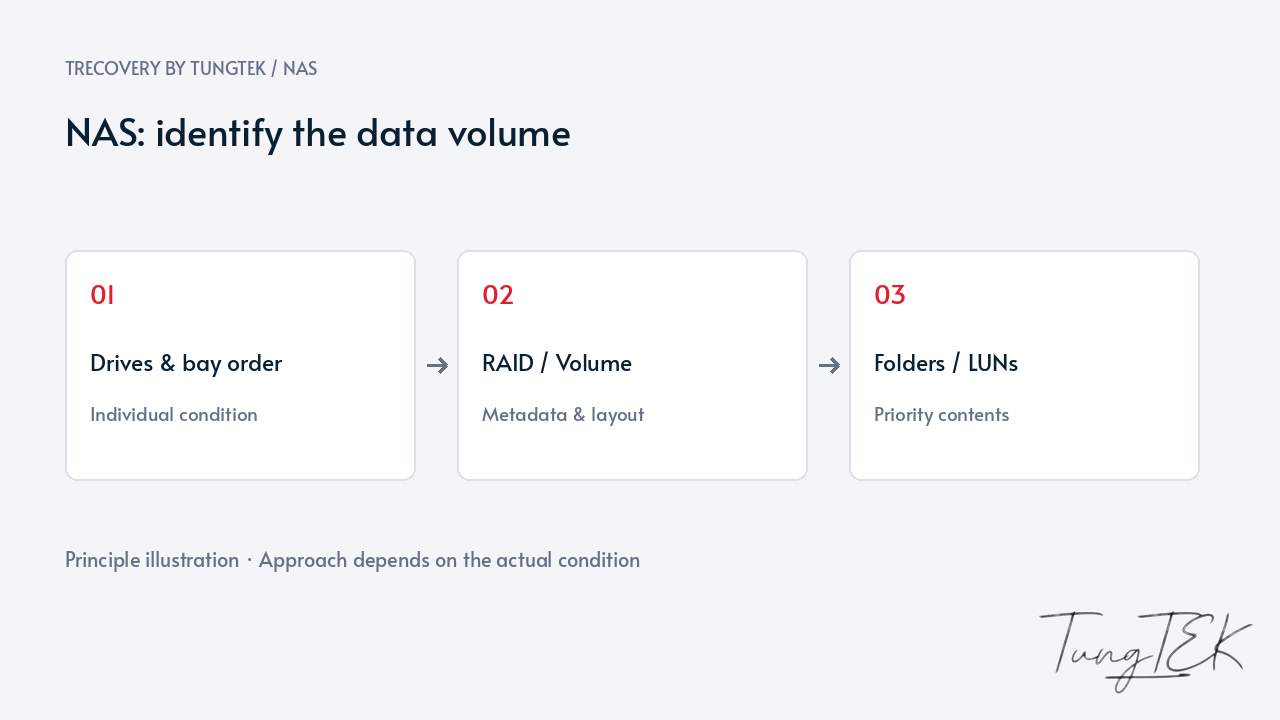
Record the RAID/SHR configuration, drive positions and actions already taken. Assess each drive to choose an appropriate reading or imaging method before analyzing the volume structure.
Compare the required files, folders and LUNs with the remaining storage structure. For ransomware-encrypted data, continue the assessment through CuuDuLieuMaHoa.com to establish the incident's scope.
Related Case Studies
NAS Synology · usable dataWD EX4100 NAS · Ticket #1315Reconstructing the layout and validating the right data
A NAS may contain SMB shares, LUNs, snapshots and application backups at the same time. TRecovery needs to know the highest-priority data and its volume. Bay count or a RAID label on a system partition is insufficient to establish the user-data layout.
Assessment compares metadata, drive order, volume layers and the file system. Preserve configuration and legitimate keys for snapshots, backups or encrypted volumes so less invasive options can be evaluated first. Write-capable rebuild, expansion or repair actions require an appropriate source-preservation plan.
Extracted output is checked against access requirements, directories and important business files. A Backup folder does not demonstrate a restorable backup; databases and virtual machines need appropriate application-level tests.
Frequently asked questions
Should I replace the drive and rebuild immediately?
If important data has no independent copy, assess the remaining drives and fault history first. Rebuild modifies the storage array and is not a substitute for data recovery.
Is sending only the failed drive enough?
Discuss the configuration. Many RAID cases require all members, bay order and replaced drives to reconstruct the layout. Do not discard a member from the submitted set.
What if some NAS folders still open?
Prioritize preserving accessible important data under an agreed plan. Limit writes, retain logs and identify the affected volume before deeper intervention.
Updated October 14, 2026