

TRECOVERY #1315 / NAS · RAID · HDD
Successful WD My Cloud EX4100 NAS Data Extraction: TRecovery Case Study #1315
Successful data extraction from a WD My Cloud EX4100. Interpreting drive health and RAID metadata, with lessons for independent backups.
Successful data extraction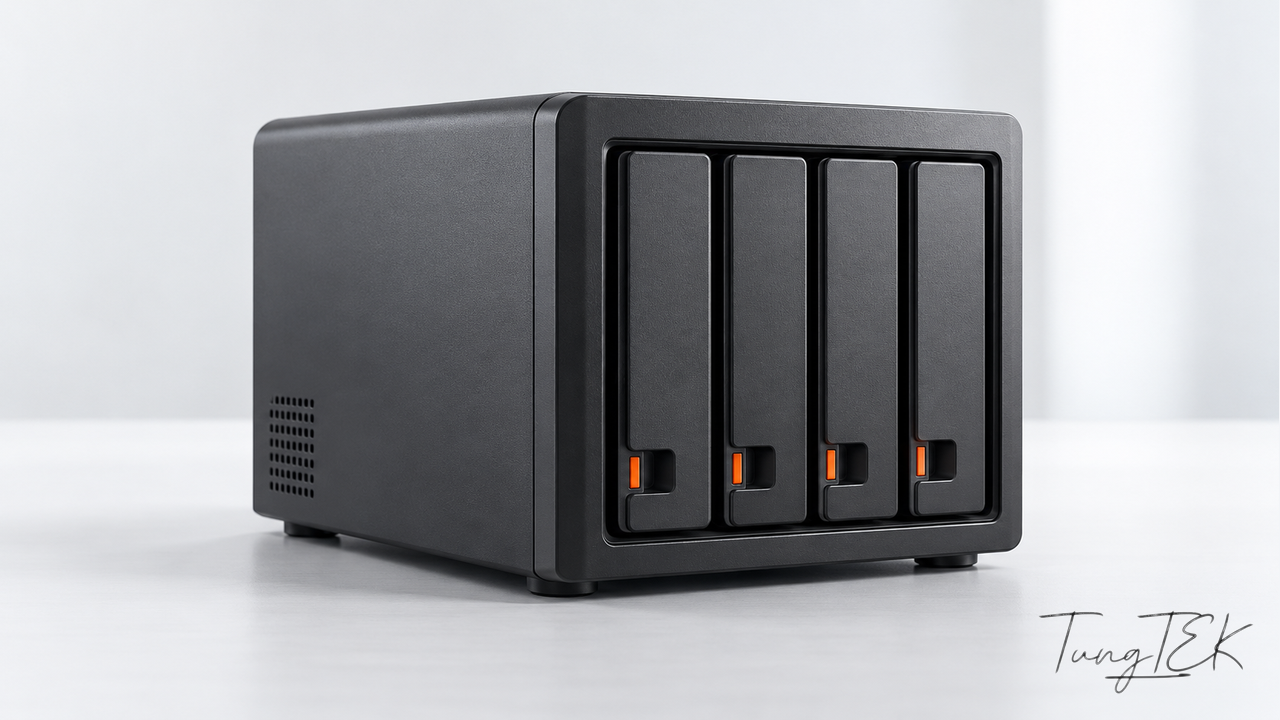
On this page
- 011. Equipment and storage members identified
- 022. Three technical details that matter
- 033. A safe NAS extraction workflow
- 044. The Ticket #1315 result—and what it does not claim
- 055. Common NAS backup failure modes
- 066. Backup 3-2-1-1-0: Independent recovery paths matter
- 077. NAS administrator readiness checklist
- 088. Frequently asked questions
- 09Closing perspective
A NAS can hold business-critical information yet still become a single point of failure when drives degrade, RAID metadata is at risk or the organization has never tested its backups. For Ticket #1315, TRecovery by TUNGTEK reports successful data extraction from a WD My Cloud EX4100 system. This technical case study uses equipment photographs and selected diagnostic screenshots, with customer and device identifiers deliberately concealed.
This is an anonymized public case study, not a complete forensic report. Exact recovered file counts, recovered byte totals, execution times and per-file verification results have not been published. We therefore do not invent a recovery percentage or claim an independently audited 100% recovery.
1. Equipment and storage members identified
| Component | Publicly supportable detail |
|---|---|
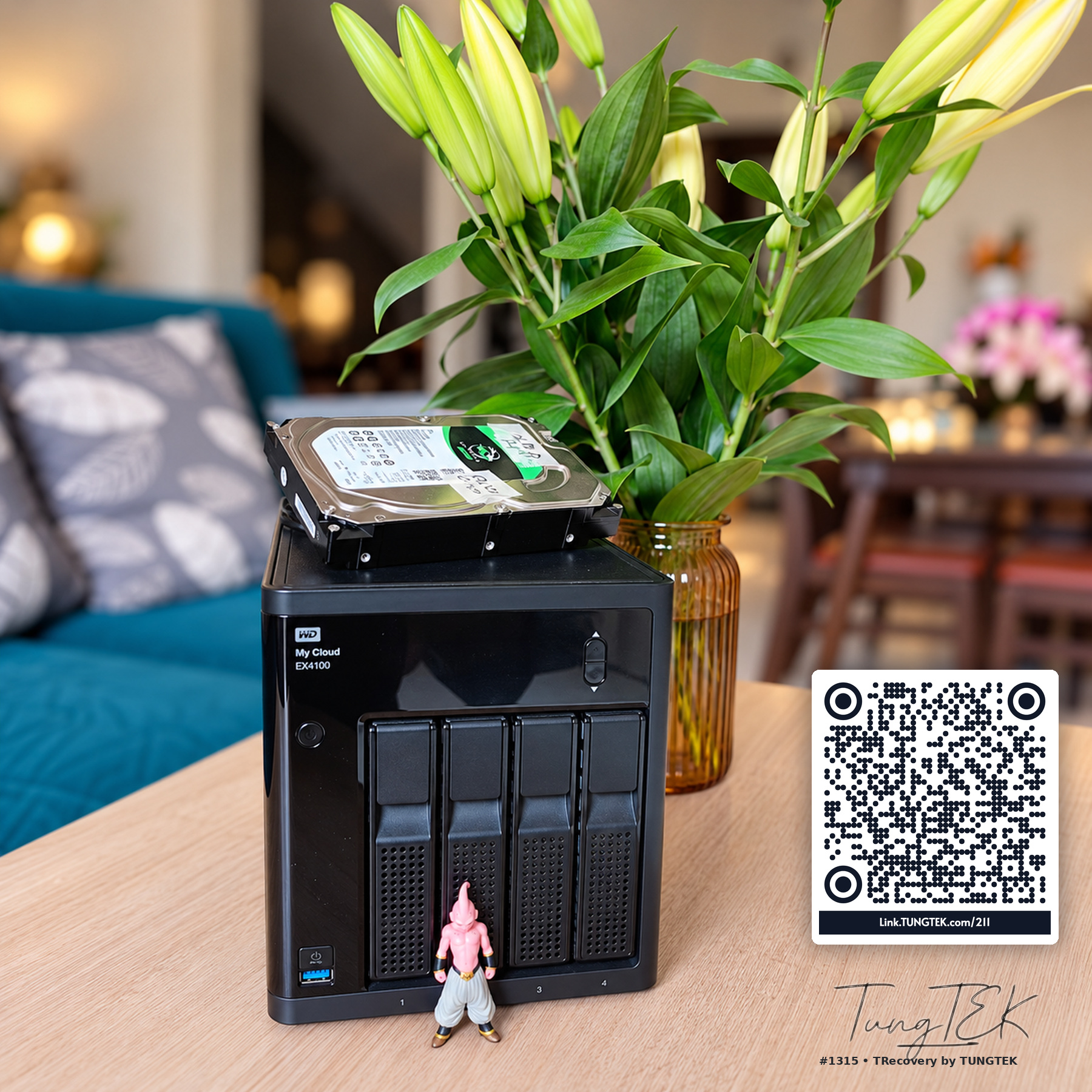
| NAS | Western Digital My Cloud EX4100, 4 × 3.5-inch hot-swap bays |
| Processor/memory | Marvell ARMADA 388 dual-core 1.6GHz / 2GB DDR3, per WD specification |
| Interfaces | 2 × Gigabit Ethernet; front and rear USB 3.0 connectivity |
| Internal file system | EXT4 supported by WD; Linux Ext2/3/4 partitions detected in analysis |
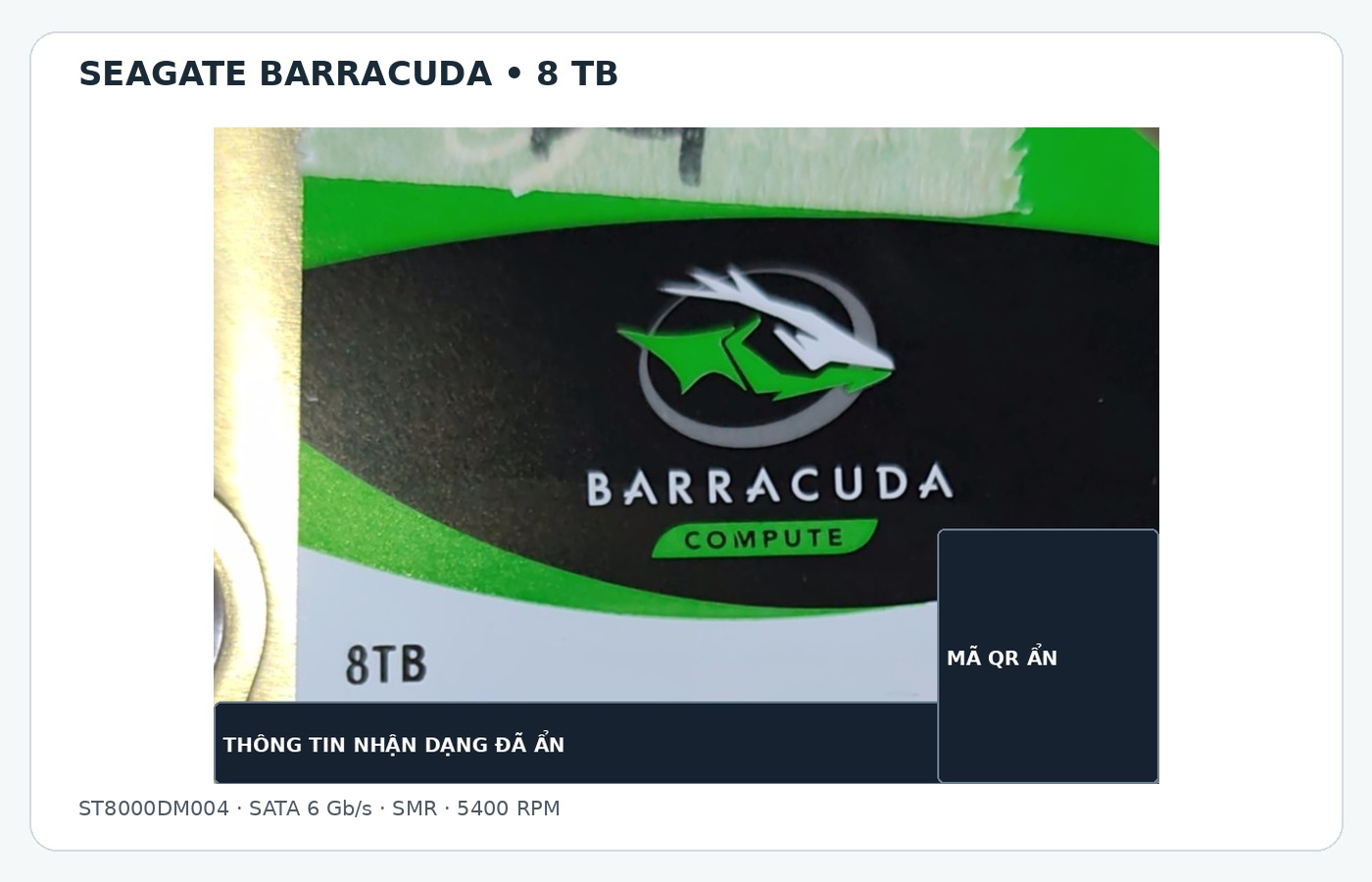
| Member HDD 1 | Seagate BarraCuda ST8000DM004, 8TB, SATA 6Gb/s, 5400RPM, SMR |
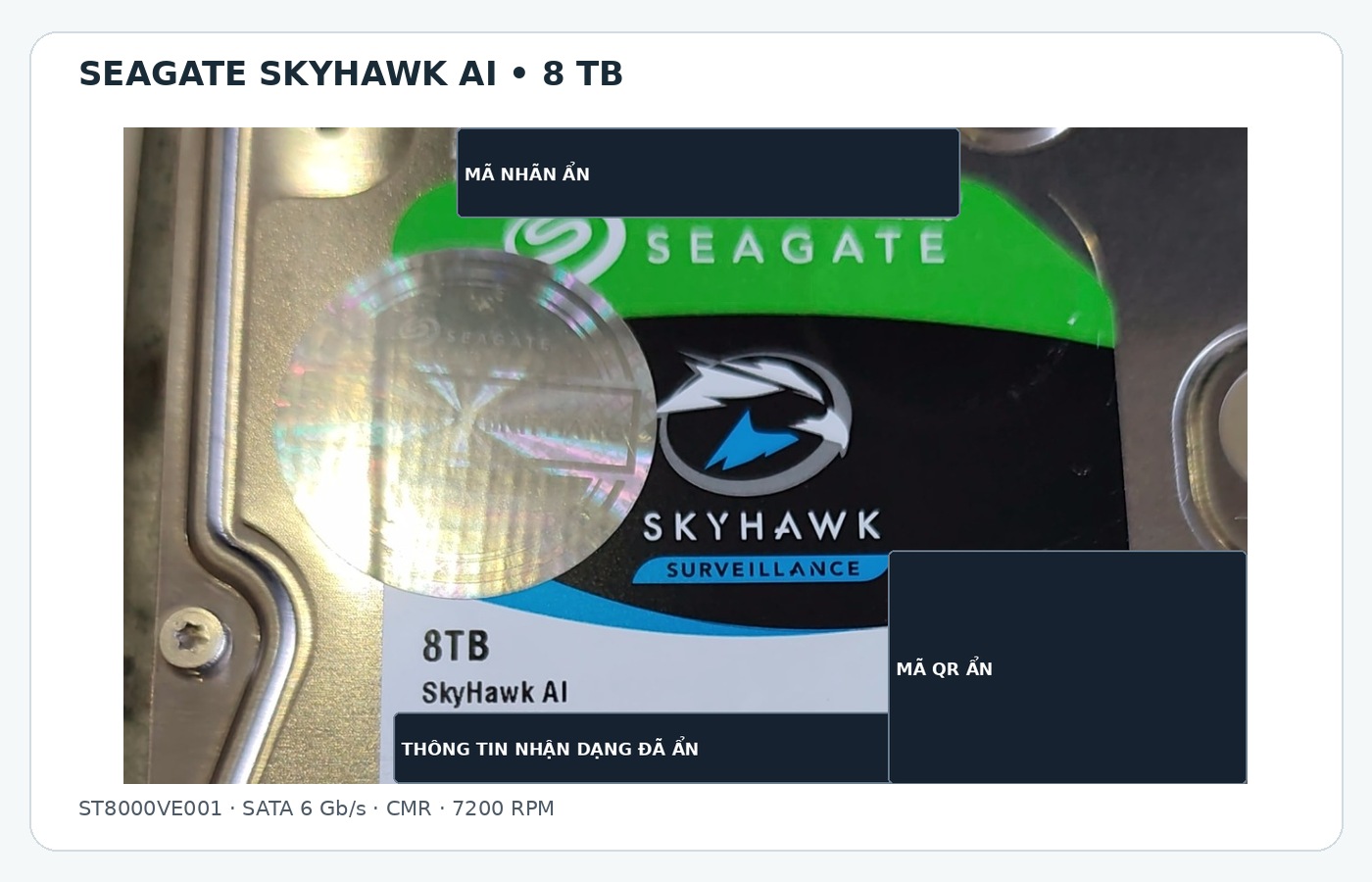
| Member HDD 2 | Seagate SkyHawk AI ST8000VE001, 8TB, SATA 6Gb/s, 7200RPM, CMR |
| Storage metadata | MyCloud NAS object and two detected member storages |
| Condition warning | One monitoring screenshot shows 9% health on an ST8000DM004 |
| Case result | Successful data extraction, reported for TRecovery Ticket #1315 |
WD documents JBOD, spanning and RAID 0/1/5/10 support on the EX4100. The four-bay chassis does not prove that four drives participated in this case. The public screenshots identify two member disks; the exact RAID level of the customer data volume should not be asserted without corroborating configuration and metadata.
2. Three technical details that matter
2.1. Two 8TB drives, two different recording technologies
The BarraCuda ST8000DM004 uses shingled magnetic recording (SMR). Its published 8TB specifications include 5400RPM, 256MB cache and a 55TB/year workload rate. SMR increases recording density, but repeated random rewrites and intensive rebuild-like workloads may have less predictable write performance.
The SkyHawk AI ST8000VE001 uses conventional magnetic recording (CMR), runs at 7200RPM, has 256MB cache and is specified for a 550TB/year workload rate. It is designed primarily for surveillance workloads; this does not itself establish approval for every WD EX4100 configuration.
The SMR/CMR difference is an important design consideration, not proof that SMR caused Ticket #1315. Establishing the actual failure mechanism requires raw SMART attributes, device logs, historical events and careful diagnosis.
2.2. “Health 9%” is a warning—not a data recovery percentage
A monitoring screenshot shows 9% health for an ST8000DM004. This is a vendor application's computed condition score, not the percentage of data lost or recoverable. It calls for controlled read strategies, minimized unnecessary writes and caution before triggering a rebuild.
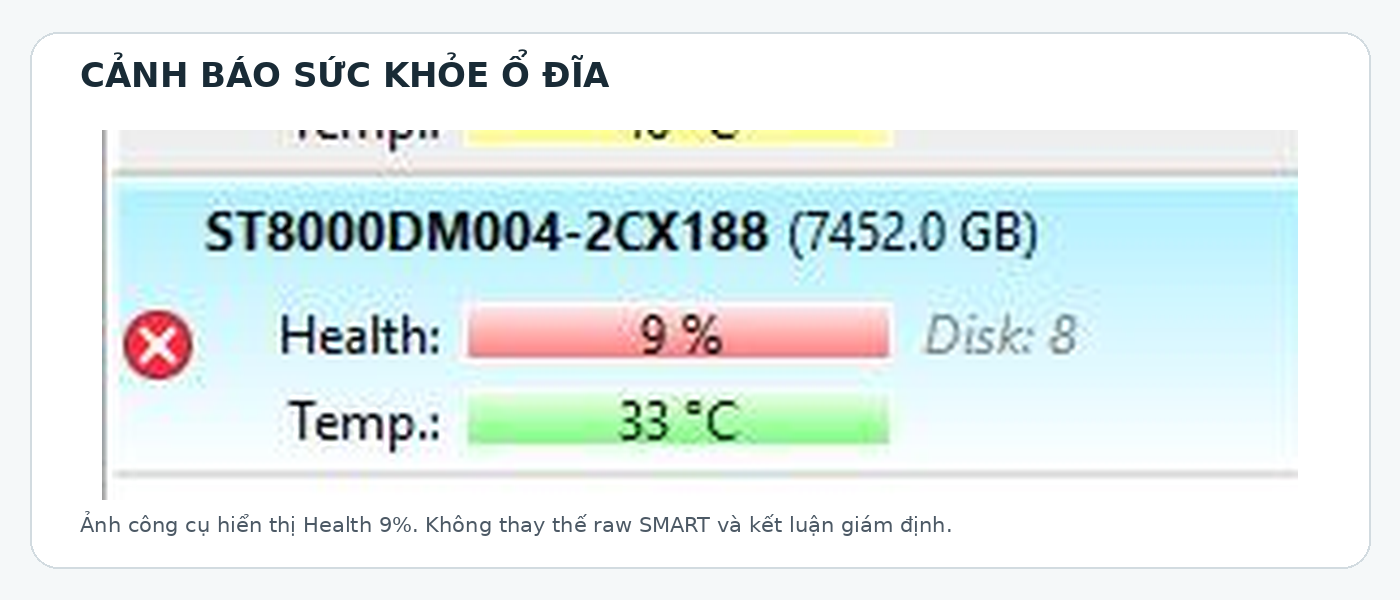
This single score does not disclose the number of unreadable sectors, the root cause of the fault, or whether the drive can be read continuously. Abnormal noises or unstable connectivity should prompt escalation rather than repeated stress tests.
2.3. A “Mirror component” is not automatic proof of RAID 1 user data
The software detects a MyCloud NAS storage object, two physical members and Linux partitions labeled as Mirror components. On Linux-based NAS platforms, some system partitions can be mirrored independently of the customer data volume. Therefore, a mirrored system partition does not establish the data RAID level.
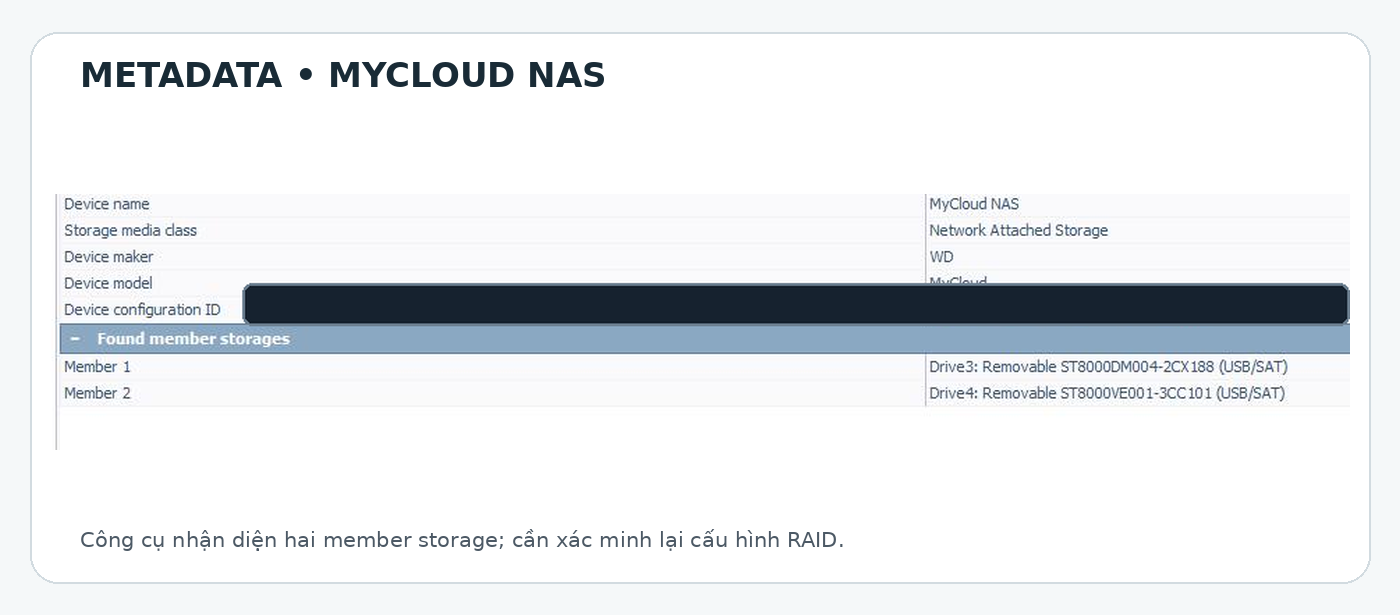
A defensible RAID assessment checks member order, offsets, chunk/stripe layout where applicable, superblocks, LVM structures and file-system consistency, then confirms that the virtual reconstruction yields plausible directories and readable files.
3. A safe NAS extraction workflow
The steps below are a general TRecovery-style technical framework. They should not be taken as a claim that every step has been independently documented for this case.
1. Preserve the source. Record bay order, connection details and visible RAID state. Avoid initializing, formatting, rebuilding or running write-capable file-system repair on a source that contains the only remaining data.
2. Evaluate individual drives. Verify model, capacity, sector format, transport stability and raw SMART where safe to do so. If a disk is unstable, limit repeated reads and simultaneous scans.
3. Establish a safe analysis source. When the disk's condition warrants it, use controlled imaging/cloning with error logs and a suitable retry policy. Whether complete imaging is feasible depends on the fault condition and recovery objectives.
4. Analyze metadata read-only. Reconstruct the logical volume from NAS, RAID/LVM and EXT4 evidence. Do not infer RAID geometry from the number of bays or a single “mirror” label.
5. Export to independent storage. Prioritize required business directories, keep extraction/error logs and preserve the source. For business databases, successful file copying is not equal to proven application recovery.
6. Validate and hand over. Check file counts and sizes when known, review exceptions, compare hashes where appropriate, and test representative files or application restores. Record what was and was not verified.
One supplied screenshot also shows an Internet connection test near 909.56Mbps download and 918.04Mbps upload. That is not an HDD extraction-speed test, a data-volume estimate or proof of network backup performance.
4. The Ticket #1315 result—and what it does not claim
TRecovery confirms successful extraction of data for the WD NAS in Ticket #1315. The main lesson is not an undocumented recovery percentage; it is the value of assessing physical drive condition separately from logical NAS and RAID structures and of avoiding unnecessary source writes.
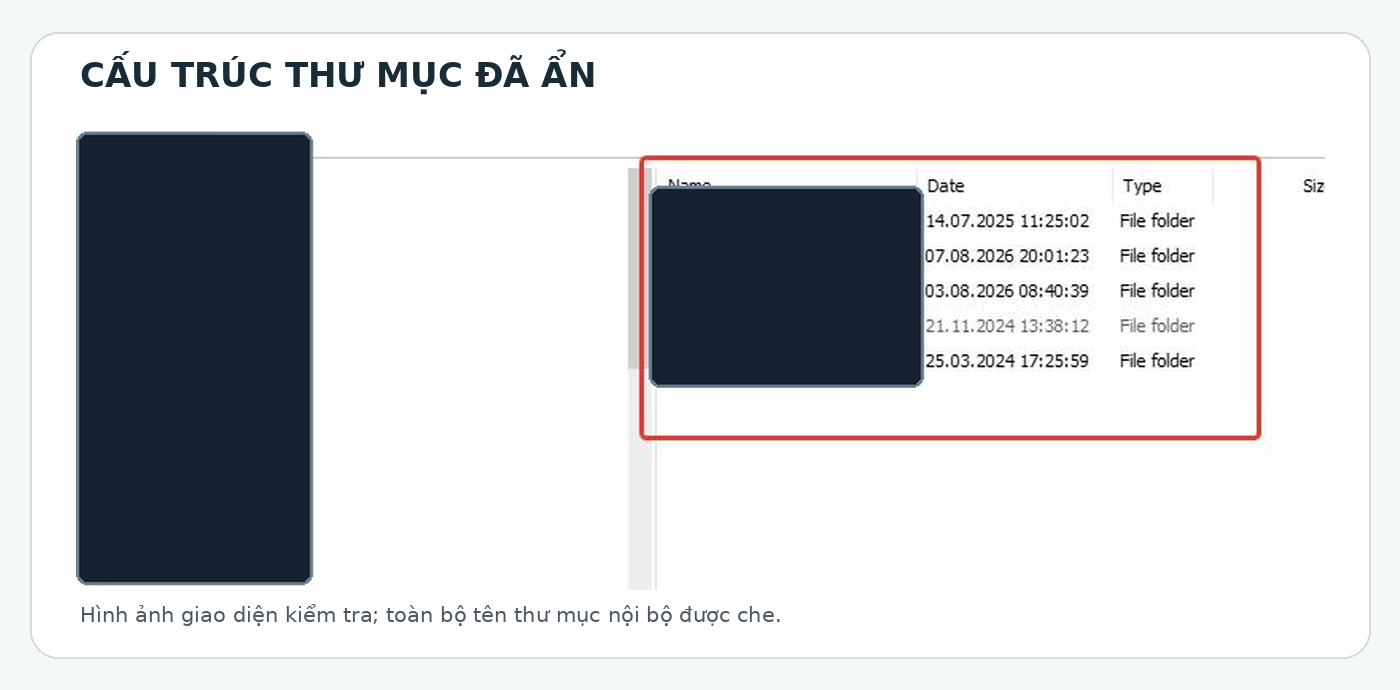
We intentionally do not publish the customer's name, address, business directory names, IP addresses, hard drive serial numbers, WWNs, PSIDs, configuration IDs or operational file contents. A folder bearing the name “Backup” is not evidence that a successful restore is possible.
5. Common NAS backup failure modes
Treating RAID as backup. RAID provides some hardware redundancy under supported configurations, but it cannot recover previous versions after accidental deletion, malicious changes or ransomware without an independent copy.
Sharing one security boundary. The production NAS and its backup directory may both be writable by the same compromised account, making them vulnerable to the same incident.
Not performing restores. A green backup-job status does not prove that SQL databases, ERP applications, VM images or files can actually be opened or restored.
Copying live database files. A plain copy of active MDF/LDF files does not replace a consistent, SQL-aware backup and valid full/differential/log chain where applicable.
Choosing unsuitable drive workloads. A desktop SMR drive's operating profile differs from NAS-optimized drives. Verify manufacturer compatibility, workload demands and rebuild behavior rather than choosing by cost per terabyte alone.
Ignoring early warnings. Monitor SMART, I/O errors, volume degradation, rebuild progress and storage logs. Assign response ownership before downtime begins.
6. Backup 3-2-1-1-0: Independent recovery paths matter
The 3-2-1-1-0 approach extends the classic backup rule:
- 3 copies in total, including production data.
- 2 different media types or appropriately separated storage platforms.
- 1 off-site copy.
- 1 offline, air-gapped or immutable copy.
- 0 unresolved errors after actual restore verification.
Further reading: TUNGTEK's original Backup 3-2-1-1-0 guide at No.Ransomware.VN · reviewed companion article at Ransomware.VN · Veeam's 3-2-1-1-0 explanation.
For a small business, this might mean production storage, a separately administered local backup repository, a protected off-site/immutable backup and scheduled restore tests. A snapshot stored on the same appliance does not automatically satisfy an independent-copy requirement.
7. NAS administrator readiness checklist
- Is the device model, bay-to-disk mapping, firmware and RAID configuration documented securely?
- Are degraded volume, SMART and I/O alerts delivered to a responsible operator?
- Does at least one backup use separate permissions from production administrators?
- Have representative files, databases and virtual machines been restored and tested?
- Are off-site and immutable retention controls validated under real account permissions?
- Are RPO, RTO, spare capacity and a recovery owner defined?
8. Frequently asked questions
Does every EX4100 run RAID 5? No. The model supports several storage modes. The customer's actual data layout must be established from its own metadata and configuration.
Is ST8000DM004 a NAS-optimized drive? It is a desktop-class SMR BarraCuda model. Evaluate its workload limitations and NAS compatibility before planning intensive RAID operation or rebuilds.
Does 9% health mean only 9% of data can be saved? No. The software's condition score is not the fraction of readable data.
Can RAID 1 replace backups? No. Mirrored drives still mirror accidental deletions, overwrites and many types of malicious changes.
Can another NAS follow exactly the same recovery method? Not safely without assessment. RAID geometry, encryption, metadata and physical disk health vary by case.
Closing perspective
TRecovery Ticket #1315 illustrates the successful extraction of data from a WD My Cloud EX4100 NAS. Its larger technical lesson is that source preservation, cautious RAID interpretation and verified output matter more than aggressive attempts to repair a failing array in place.
TRecovery by TUNGTEK — CuuDuLieu365.com
Data recovery every day. Supporting you all 365 days.
Zalo/Hotline: +84 963 509 115 · CuuDuLieu365.com · TEKLink211
Technical references
- WD My Cloud EX4100 data sheet
- WD EX4100 user manual
- Seagate BarraCuda ST8000DM004 data sheet
- Seagate SkyHawk AI ST8000VE001 data sheet
- Veeam 3-2-1 backup rule
- Ransomware.VN backup technical guide
Publication scope: Public screenshots are permanently redacted, and customer originals are not included in this release. The outcome is reported by the service team rather than independently audited by an external forensic party.